Fire every sound. On cue.
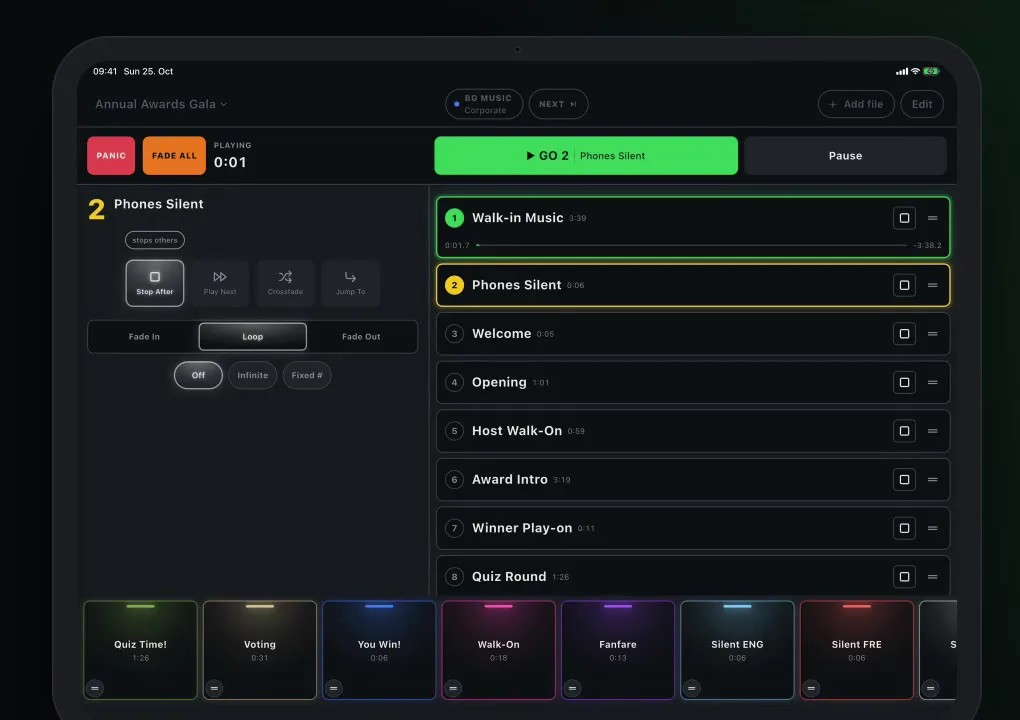
GoCue runs the sound for live events from an iPad or iPhone. Award nights, galas, conferences, quiz nights and stage shows — one cue list, one big GO button, no laptop.
Press GO. The next cue is ready.
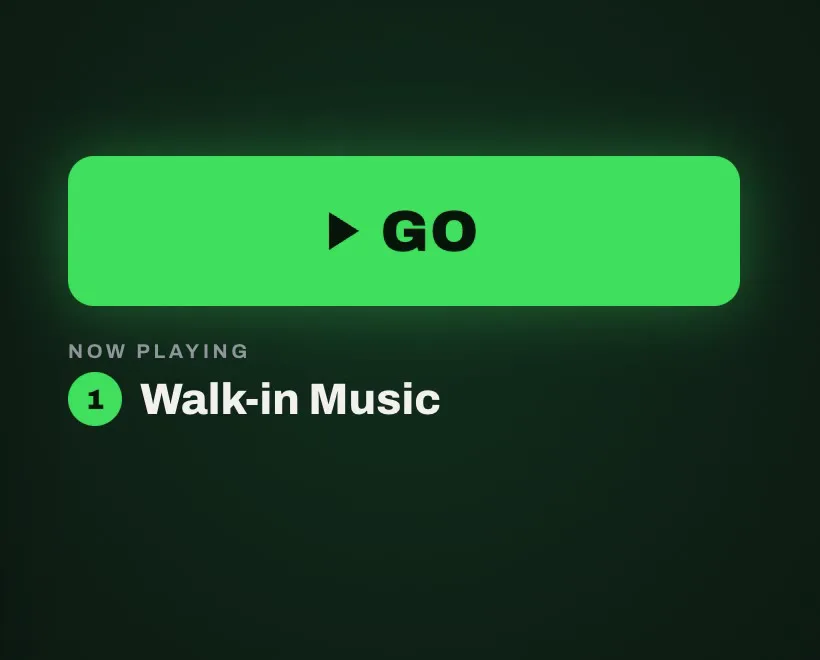
Put your music in order and press GO. The next cue is always highlighted, so you see exactly what plays next.
- Every cue knows what happens at its end: Stop, Next, Crossfade or Jump to any cue.
- Trim in the waveform editor, fade in, fade out, loop, normalise.
- Elapsed or remaining time at a tap. Reorder by drag & drop, even mid-show.
The sounds come with it.
No hunting for music the night before. GoCue includes background music in three genres, announcements in three languages and show music for every big moment. Load the packs once in the app and they’re ready, even offline.
Speaks their language.
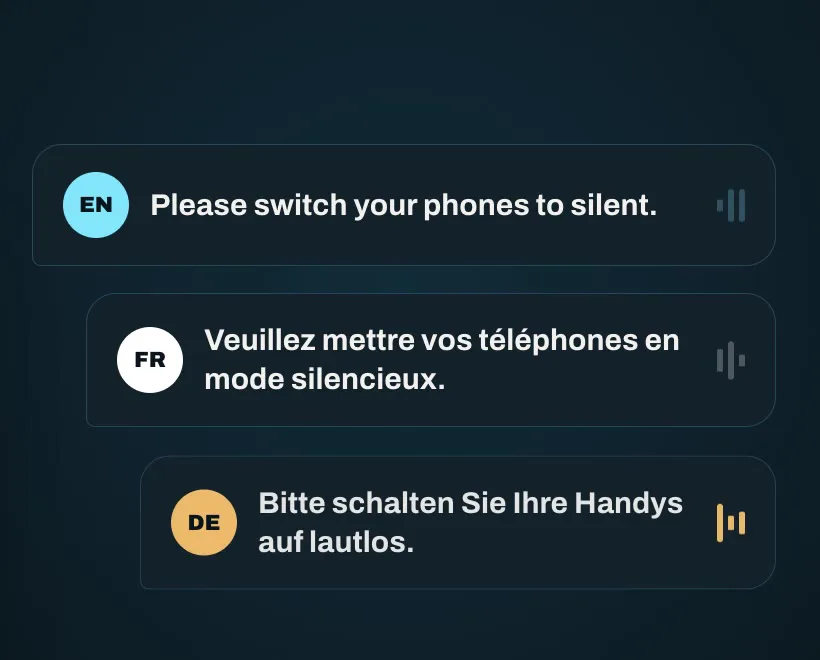
36 ready-made announcements come with GoCue: 12 messages, each in English, French and German. Welcome, phones on silent, delayed start and more — one tap, in the language your audience speaks.
Set the mood in one tap.
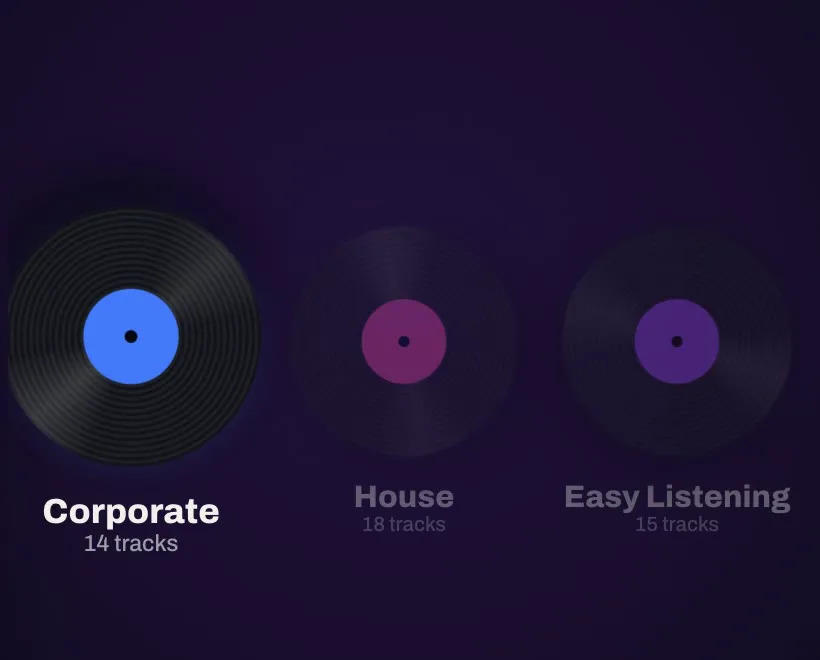
47 background tracks in three genres come with GoCue. One tap fills the gaps between the big moments, and when a cue or hit starts, the music fades out on its own.
Shuffled, never the same track twice in a row, skip any time — or play your own tracks instead.
Every entrance, on cue.
Walk-on music for every guest and winner, ready in the show-music pack.

Victory sounds one tap away.
A grid of instant sounds above the cue list. Hits can duck the music underneath and bring it back after.
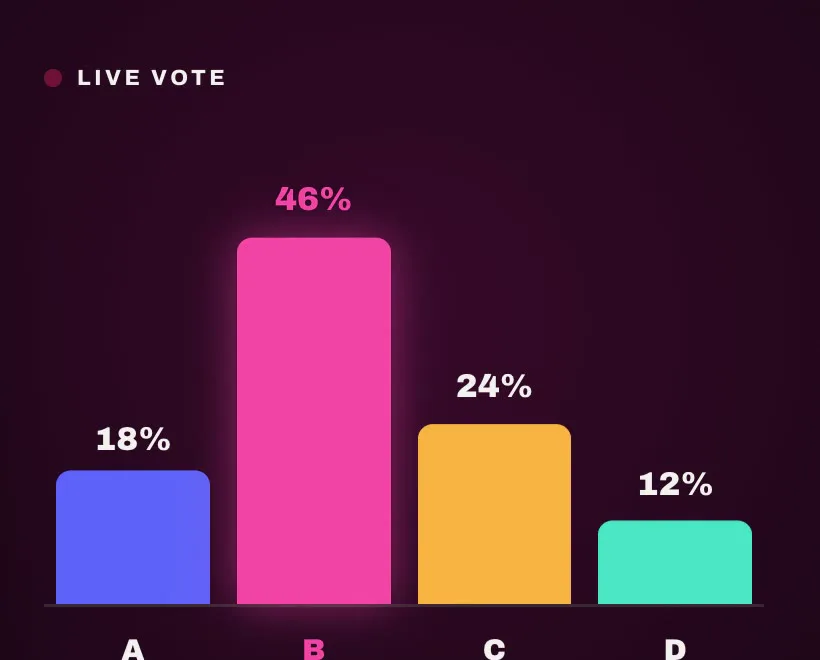
Let the room decide.
Quiz Time!, voting beds and You Win! stings — music that runs while the room makes up its mind.
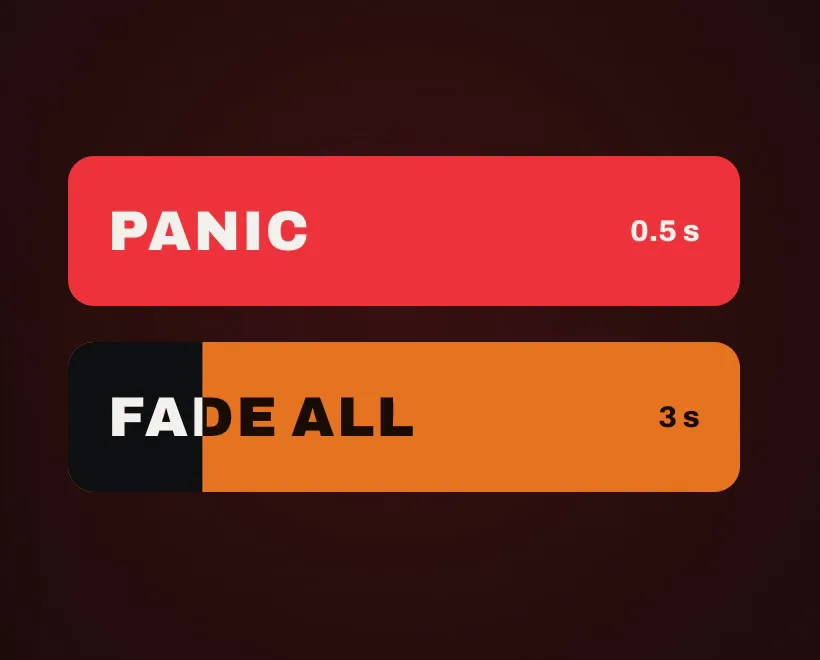
Silence in half a second.
PANIC stops every sound in half a second. FADE ALL brings everything down smoothly over three seconds. Both are always on screen.
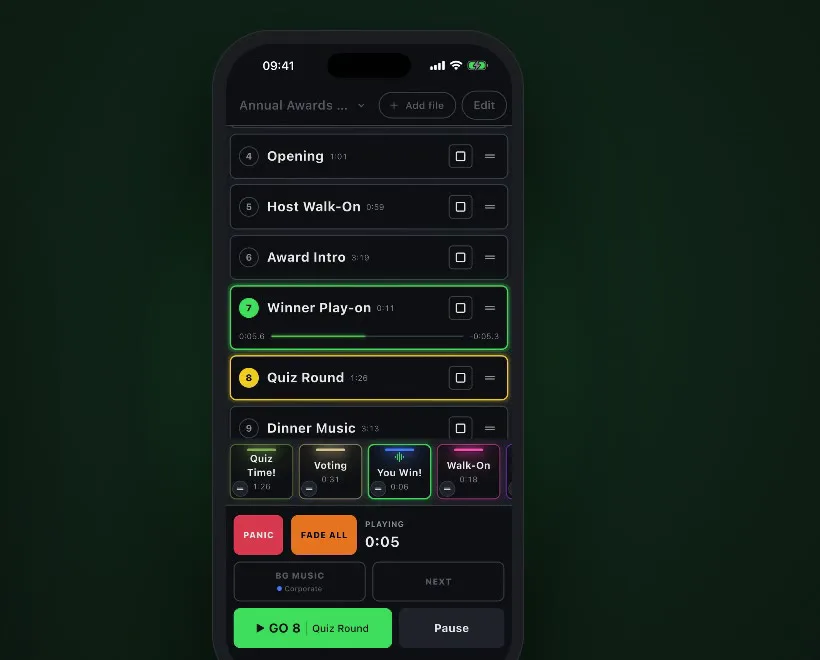
Runs the show on both.
iPad in portrait or landscape, iPhone with its own layout made for one hand. Same show, same sounds, in your pocket.
Requires iOS / iPadOS 15 or later.
Made for the people behind the show.
Sound engineers, stage managers, event techs, quiz hosts and presenters who have to fire the right sound at the right moment.
Calm under pressure.
A live show doesn’t get a second take. GoCue is built so nothing surprises you mid-event.
Keeps playing when locked
Sound continues if the screen locks or you briefly switch apps. The live screen stays on.
Waits for you after a call
After a call or alarm, GoCue never restarts on its own. It waits for the operator.
No internet during the show
Load the sound packs once. After that GoCue runs completely offline.
Before-your-show checklist
Load packs, Airplane Mode and Do Not Disturb, alarms off, then Guided Access. Right inside the app.
Clear messages
If audio is unavailable, for example during a FaceTime call, GoCue tells you and keeps retrying.
Never locks mid-show
Even when your trial ends, nothing ever stops while a show is playing.
Bring your own audio.
Import from the Files app, iCloud Drive or AirDrop. Keep several shows on one device, and export a whole show as a single .gocue file to open it on another.
M4A, AAC and AIFF are converted losslessly on import. Tracks from the Music library and copy-protected titles can’t be used.
Buy once. No subscription.
After the trial, GO, Hits and BG Music ask you to unlock. Your shows, edits and packs stay — nothing is deleted.
Questions
Which devices does GoCue run on?
iPhone and iPad with iOS or iPadOS 15 or later.
Which audio formats can I use?
MP3, WAV, FLAC, OGG, M4A, AAC and AIFF, from the Files app, iCloud Drive or AirDrop.
Do I need internet during the show?
No. Load the sound packs once in the app; after that GoCue works fully offline.
What happens after the 7-day trial?
GO, Hits and BG Music open the unlock screen. Shows, editing, settings and packs stay usable and nothing is deleted. The lock never kicks in while a show is playing.
Can I move a show to another device?
Yes. Export it as one .gocue file and open it on the other iPad or iPhone.